
NEXUS, a self-hosted AI agent rig.
An older laptop, wiped and turned into a standalone AI runtime. Linux, Docker, OpenClaw, and Tailscale. Reachable from my phone, isolated from the main workstation on purpose.
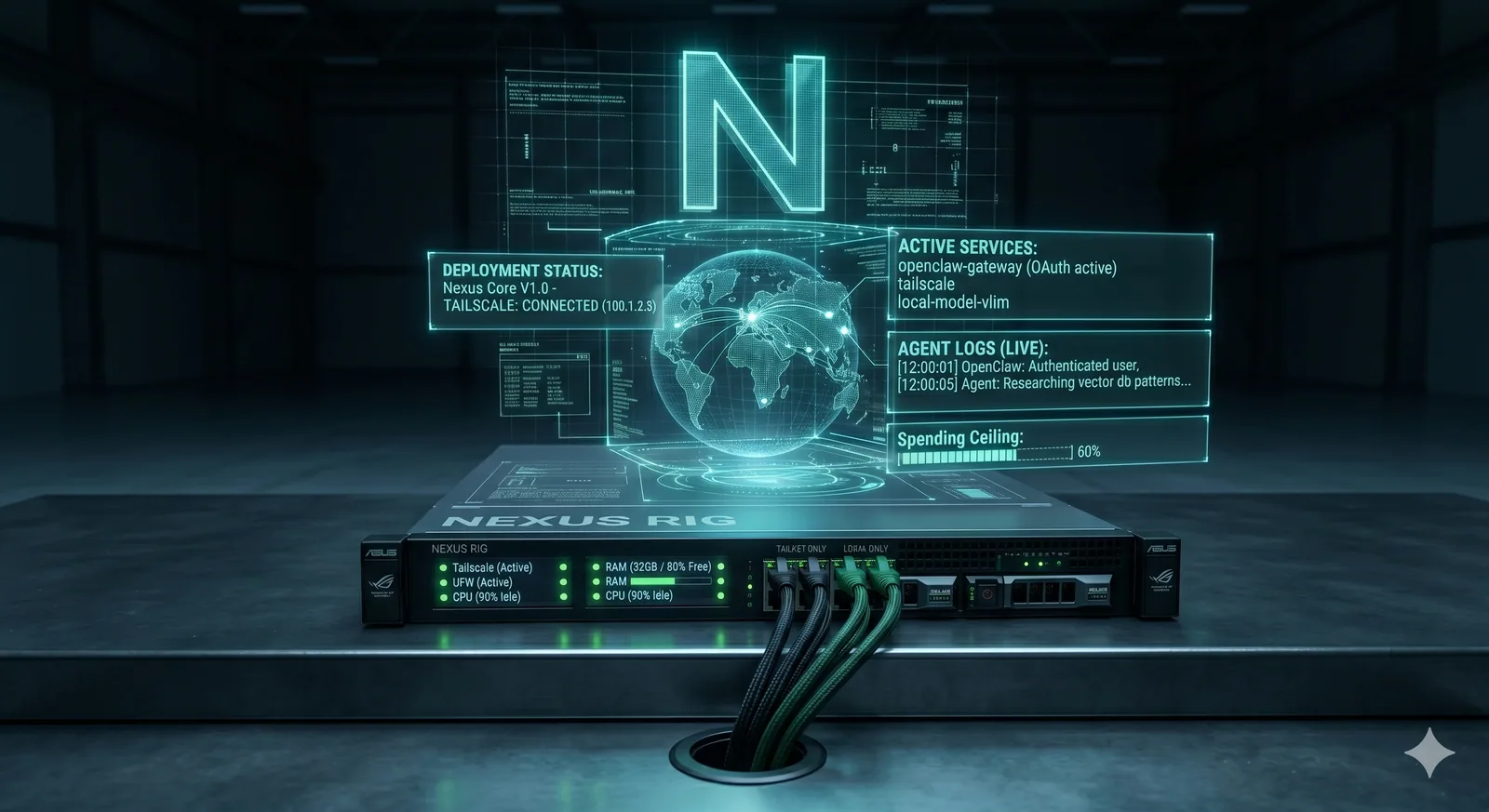
- Why
- Agent workloads don't belong on the workstation that holds client code.
- Host
- Repurposed Asus ROG laptop, wiped and rebuilt from scratch.
- Access
- Phone, laptop, or desktop, over Tailscale.
The idea
I wanted a real, personal AI rig. Not a rented notebook, not a cloud VM that disappears when a bill bounces. An always-on box I own, sitting on my LAN, that I can reach from my phone on the train.
The rules I set before turning a screw: the agent never sees client repos, nothing ever listens on a public port, and every remote path is authenticated. If any of those three broke, the project was not worth running.
The hardware
An older gaming laptop that had been collecting dust. Good CPU, decent RAM, a discrete GPU I may put to work later. Zero recurring cost, full control over the OS, and plenty of headroom for everything the agent actually needs to do.
The OS and runtime
- Wiped the factory install. Fresh Linux Mint 22.3, Ubuntu Noble base. No desktop bloat, just the tools I need.
- Docker and Docker Compose as the container layer, so every service is declarative and reproducible.
- OpenClaw as the agent gateway, running an OAuth-bound OpenAI Codex session for the default model and a capped Anthropic fallback for API work.
- Spending ceiling set on the fallback provider. Agent cannot burn a month of budget in an afternoon.
Remote access without a public IP
Tailscale handles the WAN path. The box never exposes a port to the open internet. My devices join the same tailnet and talk to it over WireGuard, with SSH as the only control plane and a UFW firewall scoped to LAN plus Tailscale ranges.
Phone access goes through a Telegram bot locked to a single chat ID. Anyone who finds the bot by accident gets silence. On the desktop or laptop it's SSH plus the OpenClaw web UI over Tailscale, nothing more.
Isolate the agent from the workstation.
The main Windows workstation holds client repos, credentials, and paid tooling. The agent box sees none of it. Two machines, two trust boundaries, one cable between them. If the agent ever misbehaves, the blast radius stops at its own disk.
What I actually use it for
- Drafting research, long-context reading, and code sketches while away from the desk.
- Long-running jobs I do not want hogging the workstation: batch rewrites, content processing, scheduled scrapes.
- A sandbox for agent patterns before they go into client work. Every production agent I ship has been shaken out on this box first.
What's next
A local model for offline fallback, a proper observability stack so I can see what the agent is doing without tailing logs, and scheduled jobs that run while I sleep. The rig is stable enough now that the next round of work is about making it more useful, not keeping it up.
If you run agents in production and want to compare notes on runtime, isolation, or cost controls, I'm happy to trade them.
Want this kind of setup for your team?
Self-hosted agents, isolated runtimes, and cost-aware AI infra are part of what I build for clients. Happy to scope one with you.